Scanline Effect
A post-process scan effect: an animated sphere mask from the player, depth-based outlines, a rim, an optional world-aligned overlay, and the original scene outside the sphere.
Material setup
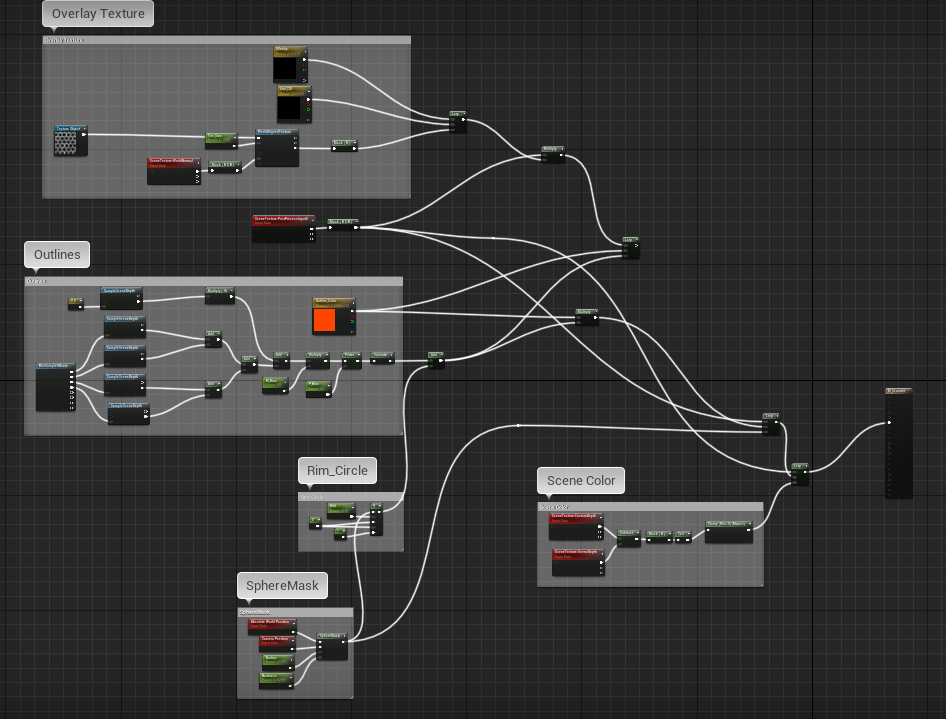
The material has five parts:
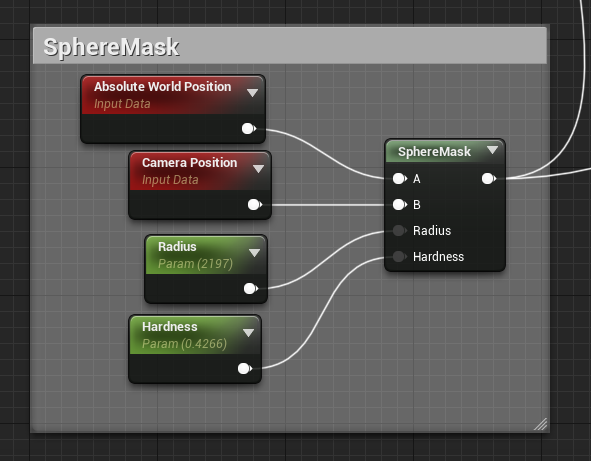
1. Sphere mask: spawns an imaginary sphere at the player location. Its radius is animated so the effect grows outwards.
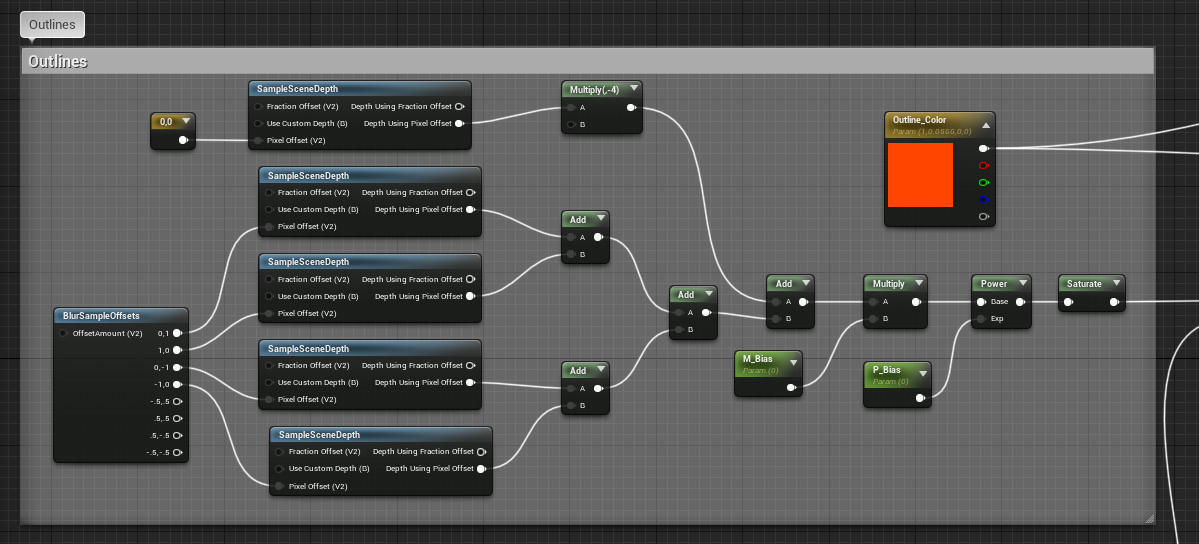
2. Outlines: generated with Scene Depth, sampled 4 times for top, bottom, left and right outlines.
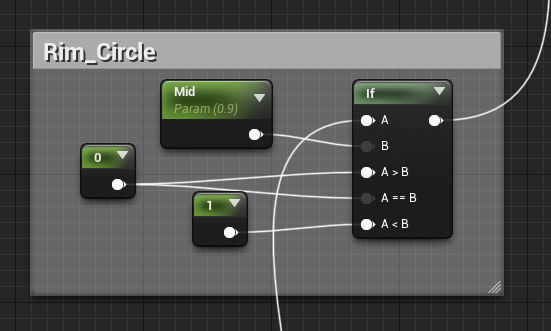
3. Rim color: marks the edge of the sphere mask and adds a feeling of propagation.
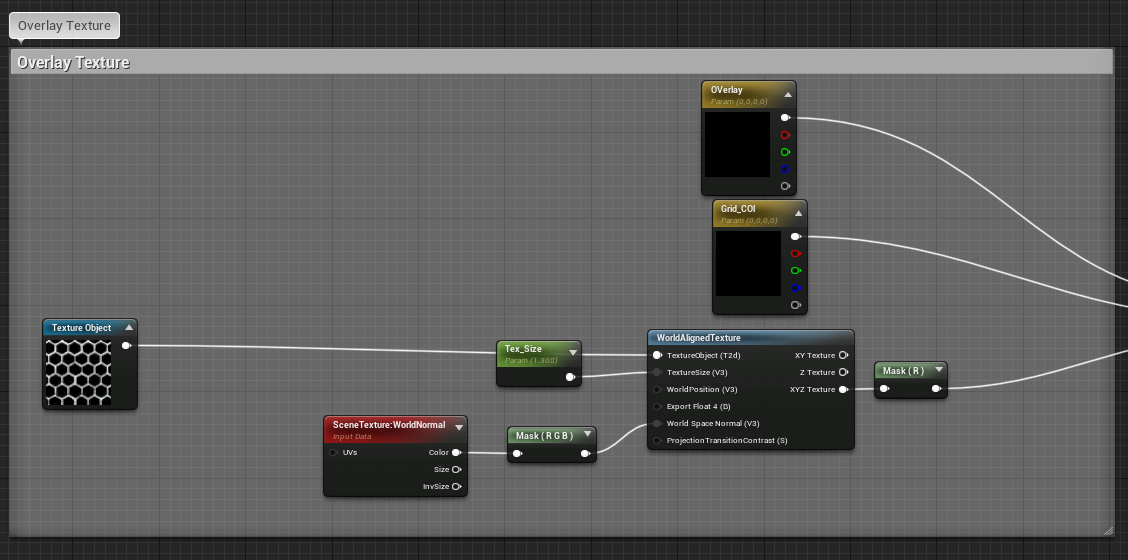
4. An optional texture overlaid on the world with the World Aligned Texture node.
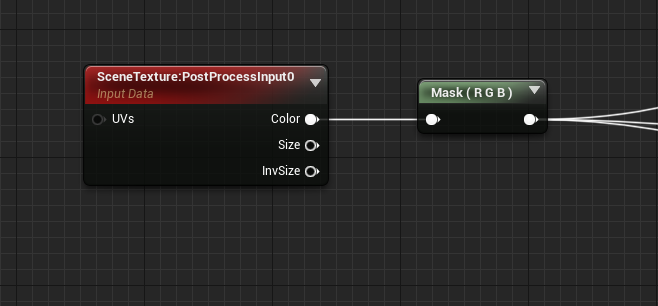
5. The main scene (Post Process Input 0) reveals the original scene outside the sphere.